
General FAQ
Answers about both buying real estate in our area and using The Village Site itself. Filter by topic to narrow things down.
Click Sign Up in the top right of any page. You'll need an email address and a password. After you confirm your email you can favorite parcels, join groups, and contact area specialists.
Favoriting a parcel saves it to your dashboard so you can find it again quickly, attach private notes, track an asking price, and share it with someone else. Favorites are private until you explicitly share them.
Favoriting is a personal bookmark — it's for your own tracking and notes. Claiming is a public statement that you are the property's owner or designated representative. Claims show up to other users on the parcel map and are reviewed by an administrator.
Use the search box in the top-left corner of the property map to look up an address or parcel ID. You can also pan and zoom directly. Click any parcel to open the info panel with owner, zoning, and size details from the county record.
Yes. The Satellite button on the top-right of any property map toggles aerial imagery on and off. Your preference is remembered across pages.
Open the property's detail page from your dashboard, scroll to the Share Property section, and enter the email address of the person you want to share it with. They'll get an email and the favorite will appear on their dashboard.
Area Specialists are local real-estate professionals who have been verified by The Village Site. They can answer neighborhood questions, help you understand a parcel, and represent property owners. You can contact one from the Contact page or directly from a property listing.
Click your name in the top right and choose Profile. From there you can update your name, email, and password. If you've forgotten your password, use the Forgot password? link on the login page.
Go to the Groups page and use the filter to narrow by category or area. Click into any group to read about it and click Join. Some groups are sponsored by The Village Site; the rest are community-run.
The Events page lists upcoming events for your area. You can filter by category, RSVP, and add events to your calendar. Events are also surfaced from interest groups you've joined.
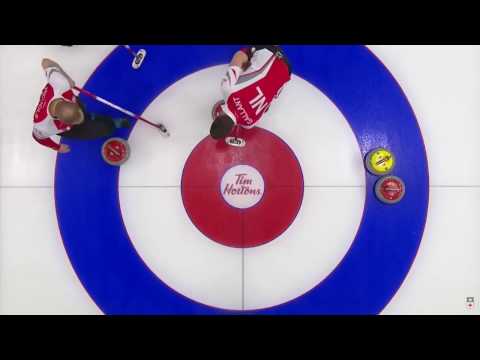
Curling 101
Master the basics and strategies of curling with these videos:
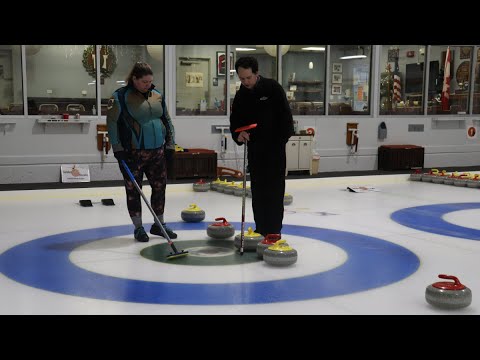
Curling and Scoring
Up your game to the next level with these videos:
No items match the selected topic.